

Can Grok Bot Work Beyond the Chat?
Hosts are AI-generated. Stories curated by Synaptic Plunge.
AI hosts can make mistakes; sources are linked in the show notes. For information and entertainment only, not professional advice.
Read the transcript (auto-generated, may contain errors)
Summary
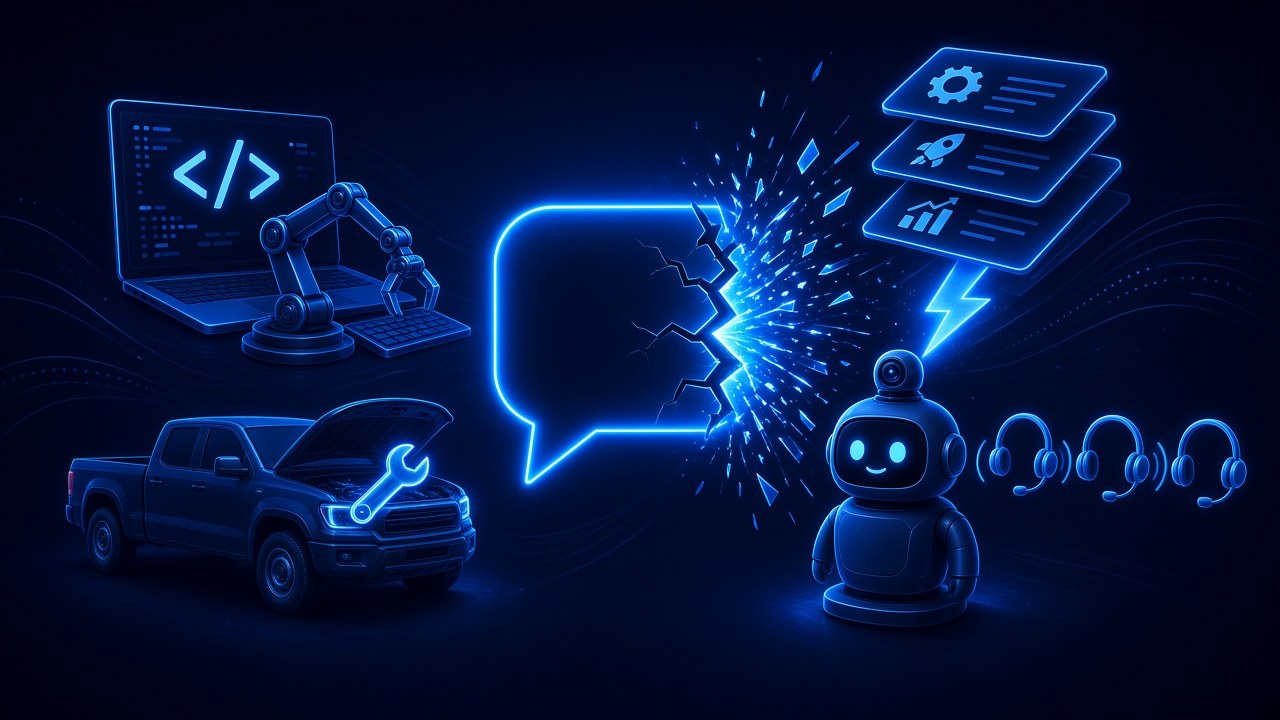
Can Grok Bot work beyond the chat? Today's Silicon Sidekicks takes that question through four stories people shared this weekend, each with a plain example and a one-line takeaway. First, making the Bot the brain: users are letting Grok Bot plan the work, pick the files and check the result while a coding tool they already pay for writes the code, with free community projects that wake the Bot when the job is done. Second, Master Mechanic, a free Bot template that diagnoses a car or truck from symptoms you describe in plain words, walks you through the fix and builds a parts list; its builder says it got his truck running again.
Third, Grok Bot with a body: a desk robot that watches the office, talks by voice and asks before it sends a single camera frame, plus a Mac app that puts several of your Bots on one group voice call. Fourth, skills: why a skill's one-line description decides when it loads, a free community library of tested skills, and asking your Bot what it would change next time. These are users' own builds and claims, not official features. The answer: yes, it already reaches into code, cars and even a robot body, as long as the Bot stays the planner, gets narrow jobs, and asks for your yes before anything that can't be undone.
Show notes
| Category | Topic and key links |
|---|---|
| Coding | Grok Bot plans and checks, a coding agent writes the code (runs on a computer; phone use unconfirmed)
|
| Hands-on help | Master Mechanic, a free template for car and truck trouble (users' claims; phone use unconfirmed)
|
| Devices | Grok Bot with a body, and a group call with your Bots (community builds on a Mac, not phones)
|
| Skills | Skills that load at the right moment (set up in the app; phone setup unconfirmed)
|
Recommended links (beginner-friendly)
- Get started with Grok Bot — The official first-hour guide: install the app, meet your first Bot and try a real task.
- Skills, routines and automations — A plain guide to saving a skill and when it gets used.
- Use cases — Step-by-step examples, from a simple assistant to a Bot with its own job.
- Approvals, security, and privacy — How to make your Bot ask before anything that sends, spends or deletes.