

How Much Control Do You Keep Over Your Grok Bot?
Hosts are AI-generated. Stories curated by Synaptic Plunge.
AI hosts can make mistakes; sources are linked in the show notes. For information and entertainment only, not professional advice.
Read the transcript (auto-generated, may contain errors)
Summary
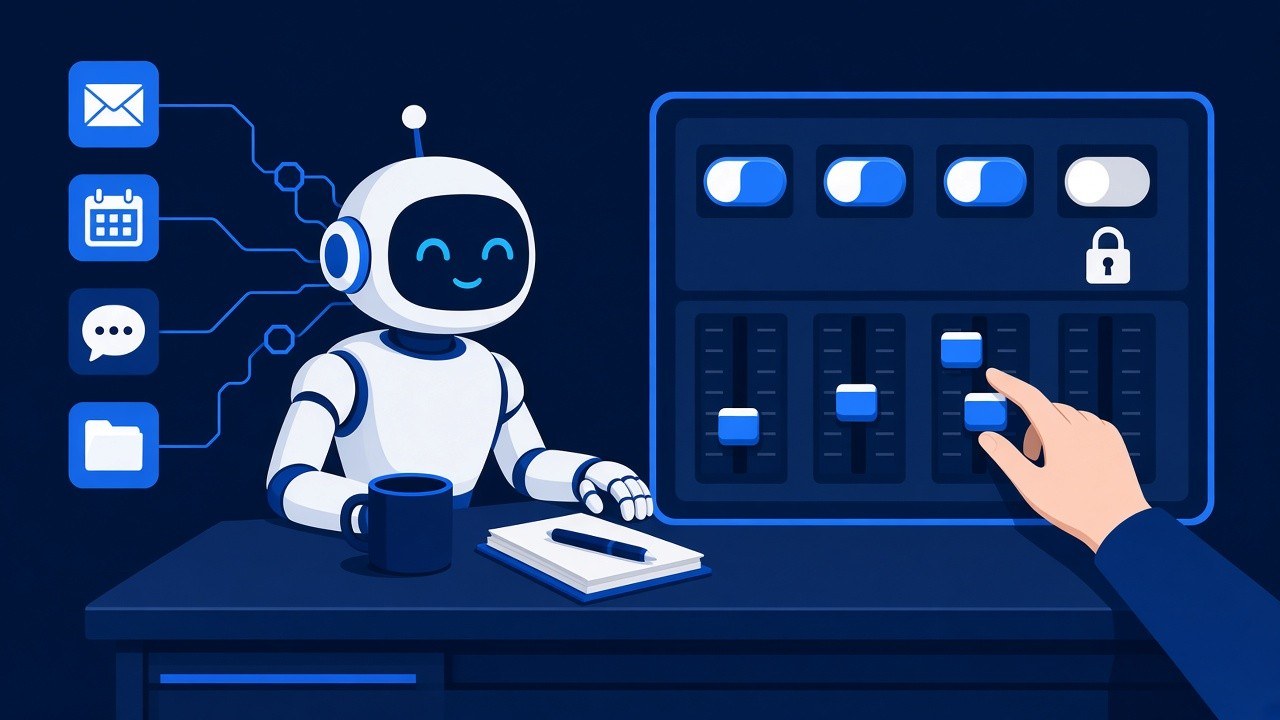
How much control do you keep over your Grok Bot? Today's Silicon Sidekicks walks through five stories, each with plain examples, step-by-step tips and a one-line takeaway. First, version 1.2.3's new dial for every tool: set each connector tool to Always allow, Auto-review, Needs approval or Blocked, plus new limits for team admins. Second, a security firm's report that two Bots made 31 check-ins on connected apps nobody asked for, why that happened, the Proactive messages switch that stops it, and Ireland's privacy regulator pausing the use of agent-collected data for AI training. The report comes from a company that sells the gateway that caught the check-ins, and all 31 were reads that reached no data.
Third, routines that speak up when they break: reconnect cards that reach you as notifications or Slack and Teams messages, runs that pause instead of failing quietly, and routines that read their own chat. Fourth, memory sorted into people, your profile, standing instructions and projects, plus the Grok Bot team's 10-minute voice onboarding with a restate check. Fifth, what happens to control when someone builds a Bot for someone else, from client installs to ownership transfer, with an example Bot for a volunteer homeowners association board. Users' posts are their own opinions. The answer: more control than ever, but only if you use the settings, because defaults are decisions.
Show notes
| Category | Topic and key links |
|---|---|
| Controls | Per-tool permissions on connector pages (version 1.2.3; phone setup unconfirmed)
|
| Security | The 31 unrequested check-ins and the Proactive messages switch (web admin dashboard)
|
| Privacy and law | Ireland's regulator and agent-collected data
|
| Routines | Reconnect cards, skipped runs and routines that read their chat (notification devices unconfirmed)
|
| Memory and onboarding | Four kinds of memory and a 10-minute voice onboarding
|
| Handoffs | Building a Bot for someone else and transferring ownership (phone setup unconfirmed)
|
Recommended links (beginner-friendly)
- Get started with Grok Bot — The official first-hour guide: install the app, meet your first Bot and try a real task.
- Approvals, security, and privacy — How approval cards work, and how to make your Bot ask before it sends, spends or deletes.
- Initiative — The official explainer on when a Bot acts on its own and how to steer it.
- Skills, routines and automations — Step-by-step setup for jobs that run on a schedule.